





Documentation Index
Fetch the complete documentation index at: https://docs.picaos.com/llms.txt
Use this file to discover all available pages before exploring further.
Overview
Tempo supercharged their app building platform by natively leveraging Pica’s robust integration infrastructure and deep tool knowledge, enabling users to effortlessly discover, install, and manage a vast array of integrations within their applications. By relying on Pica, Tempo was able to launch a comprehensive integration marketplace overnight - every integration available in Tempo is seamlessly powered and maintained by Pica, ensuring a frictionless, unified experience for all users.Technical Capabilities
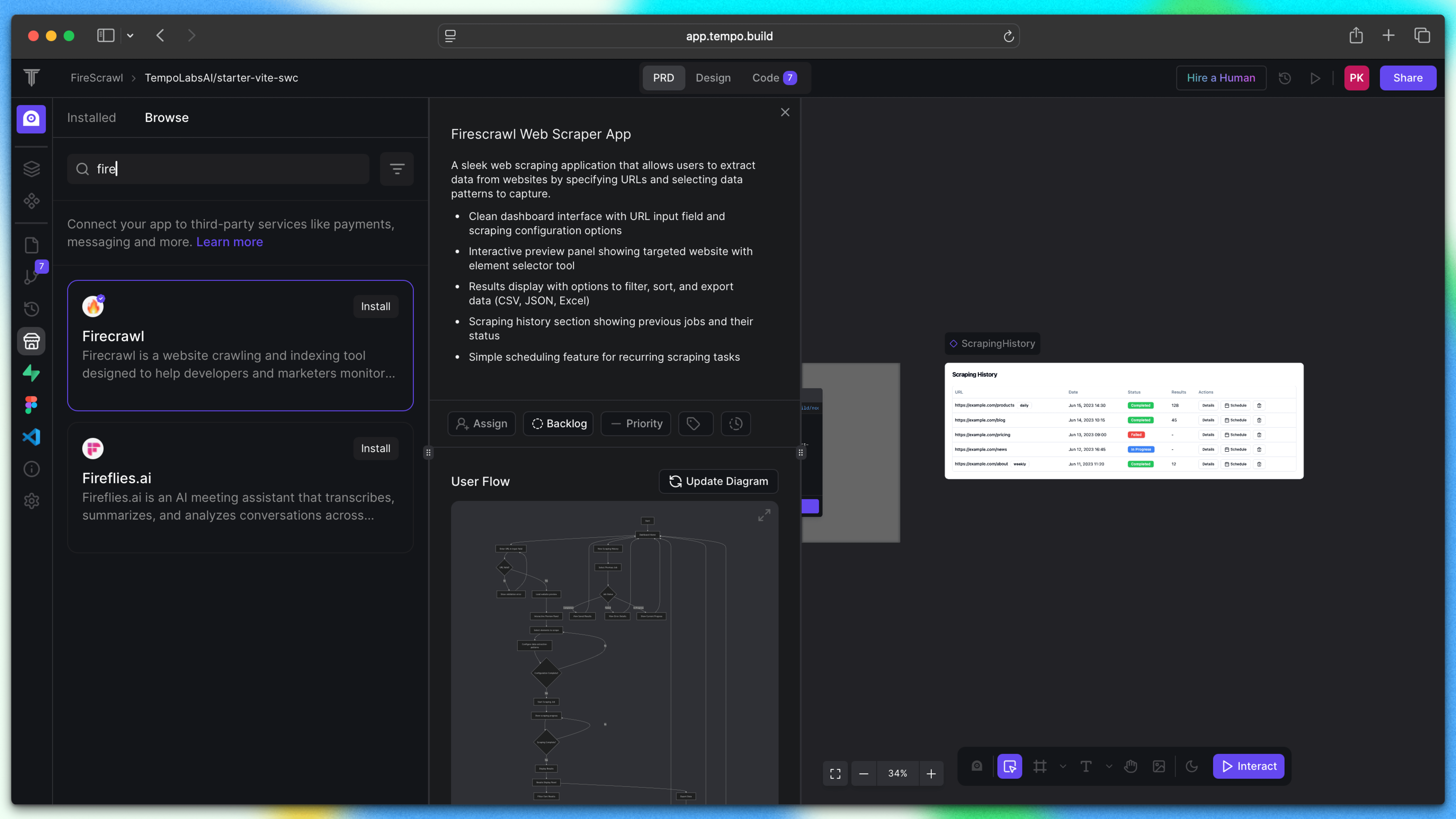
- Extensive Service Marketplace: Access integrations for payments (Stripe), messaging (Slack), AI services (OpenAI, ElevenLabs), web scraping (Firecrawl), search (Exa AI), and more
- Supabase Backend Integration: Connect to Supabase to give projects a persistent, secure database for storing integration data
- 60-Second Setup: Add new integrations to your project in under a minute with simple API key configuration
- Secure Credential Storage: API keys are automatically encrypted and securely stored via Pica’s vault infrastructure
- Canvas & Agent Integration: Connected services become immediately available in both the Tempo visual canvas and the intelligent agent
- Automatic Documentation: Agents automatically receive knowledge about how connected services work, eliminating manual documentation
- Unified Dashboard: Manage all integrations, API keys, and service connections from a centralized App Store interface
Demo
Resources
Tempo homepage
Try Tempo now
Documentation
Learn about Tempo’s MCP App Store